Description
Your Panorama, Printed on One Finished Canvas
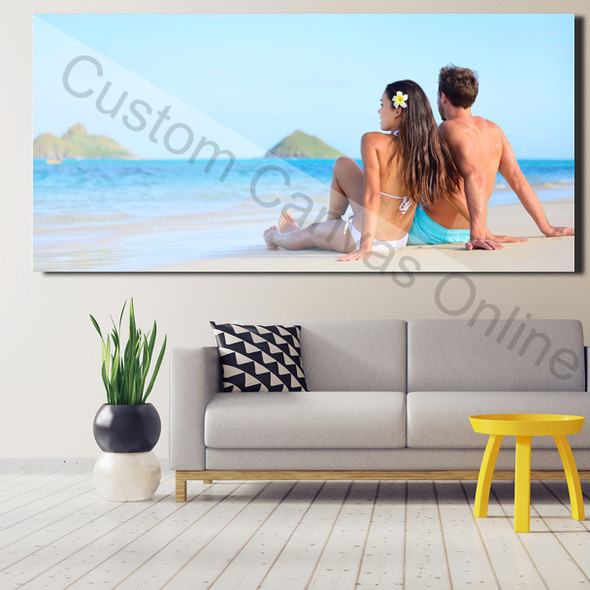
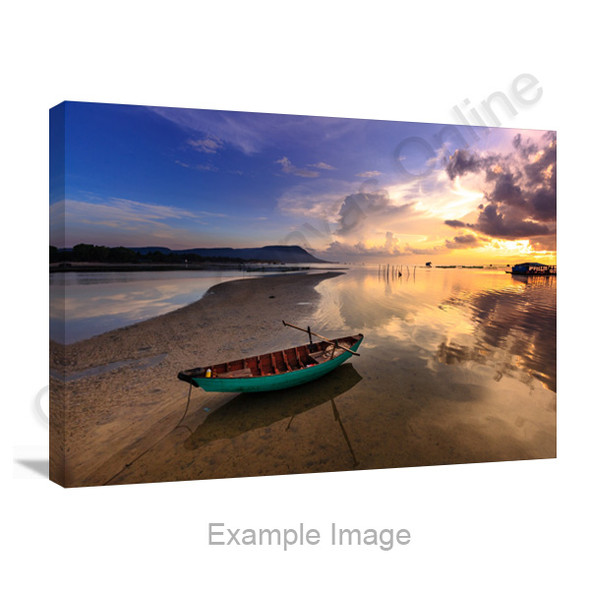
Create a single stretched canvas from your landscape, skyline, coastal photograph or group portrait. Choose this product's dimensions and orientation, then check how your image appears across the front and around the sides before ordering.
Includes printed canvas and an internal wooden support, ready to hang. A decorative floating outer frame is a separate product.
Select Panoramic Canvas Size and Orientation
These are the ten available Size options, in centimetres. Each label gives the short side first; Orientation determines the finished width and height.
The options include 2:1 and 3:1 landscape proportions; selecting Portrait reverses them to 1:2 and 1:3. Review your photo at the exact selected dimensions, even if the source is already a panorama.
Example: 40 × 120 cm
Landscape: 120 cm wide × 40 cm high.
Portrait: 40 cm wide × 120 cm high. Check that your selected orientation matches the composition you intend to print.
For comparisons with other sizes and panoramic products, use the panoramic canvas size guide.
Inspect Your Panorama from End to End
A long photograph can look convincing in a small preview while hiding local problems. Examine the original file in sections at a larger magnification, then review the full composition in your design.
People and Landmarks Near the Ends
Check both ends for faces, buildings, boats or signs close to the crop. Keep important details on the front and clear of the fold lines. A face can remain in the file yet be cropped out or turn onto the canvas side.
Horizon and Stitching Joins
For a phone panorama, inspect the horizon and stitched areas for tilted sections, broken outlines, repeated people or uneven transitions. Look closely at moving subjects and the ends, where blur can be easy to miss.
Detail in the Retained Image
Check local sharpness across the image, rather than judging only its centre or file size. Cropping can remove usable detail; enlarging cannot recreate detail missing from the source. Send the original for advice if a section looks soft.
If the source photo and canvas have different proportions, filling the front may require cropping. Check the selected front composition before choosing the side treatment.
Choose How the Panorama Continues Around the Sides
The Canvas Wrap menu provides four treatments. Inspect the two ends and corners as well as the long top and bottom edges.
Mirror Wrap
Reflects the outer image edge onto the sides. Check for repeated faces, boats or buildings near the ends and corners.
Gallery Wrap
Continues the photograph around the sides. Keep people, text and important landmarks away from the fold lines so they remain on the front.
Color Wrap
Uses a solid colour on the sides. Check the colour beside your photograph, particularly against pale skies or dark edges.
Stretch Wrap
Stretches the outer image edge across the sides. Inspect how sky, sea, buildings and other edge textures extend around the canvas.
Changing the wrap does not automatically restore content outside the front crop. Review the front and sides together at your selected dimensions. Recheck the front crop after changing the wrap.
Send the Original File When You Need Advice
Use the original camera or phone image where possible. Screenshots and compressed copies may lose detail. For help, email support@customcanvasonline.com.au with the file, selected size, orientation and any people or landmarks you need to preserve.
If the original will not upload or is too large to email, send a Dropbox, WeTransfer or Google Drive link with download access enabled. Include your intended canvas size and orientation so we can review the file for that order.
Printing, Photo Appearance and Australian Delivery
We use Epson 12-colour pigment ink printing. Select Original Color or an available Color Effect, and review its appearance with your photo. Effects change the image; names such as Soft Matte do not specify a different canvas coating.
Australian delivery is AU$14.59 per order, free on orders over AU$99. For an event or gift deadline, ask before ordering. Display indoors, away from persistent moisture and strong direct sunlight; dust with a soft, dry cloth. Avoid liquid cleaners and scrubbing.
Check the Selected Design Before Ordering
Use Upload Photos & Design to check the chosen size, orientation, front crop, effect and wrap. Inspect both ends for missing subjects, then confirm the current price for your selected options before adding to your cart.
The online preview helps you judge layout and image treatment. Screen colour and brightness can differ from the printed canvas.
Panoramic Canvas Product FAQs
Ready to Print Your Panoramic Photo?
Choose your size and orientation, add the original image and review the complete design. For file advice, email your photo or a downloadable link before ordering.